Dropbay vs Dropover and Yoink
Dropbay, Dropover and Yoink are shelf apps: each gives you a place to put files down while you drag them between windows. macOS has no built-in equivalent; the closest options are covered in A drag and drop shelf for Mac. This page lists the facts side by side, including where Dropover and Yoink do more.
Last checked: October 2026, against each app’s official site and Mac App Store listing.
| Dropbay | Dropover | Yoink | |
|---|---|---|---|
| Price | $5.99 once | Free download, Dropover Pro $7.99 once (in-app purchase) | $8.99 once |
| Trial | 14 days of Pro | 14 days, fully functional | 28 days (direct download) |
| After the trial | Free mode, no delay; Pro features need a license | Keeps working with a 3-second wait before using the shelf | Needs a purchase |
| Where to get it | Direct download | Mac App Store only | Mac App Store, direct, Setapp |
| Macs per purchase | Up to 3 | Macs on the same Apple Account | Not stated |
| macOS | 14 or later | 13 or later | 10.13 or later |
| How the shelf opens | Shake while dragging, shortcut, menu bar icon, notch | Shake while dragging, shortcut, menu bar icon, notch | Appears at the screen edge when a drag starts (or at the pointer, or near the edge) |
| Multiple named, coloured shelves | Yes, 8 colours | Yes | Not listed |
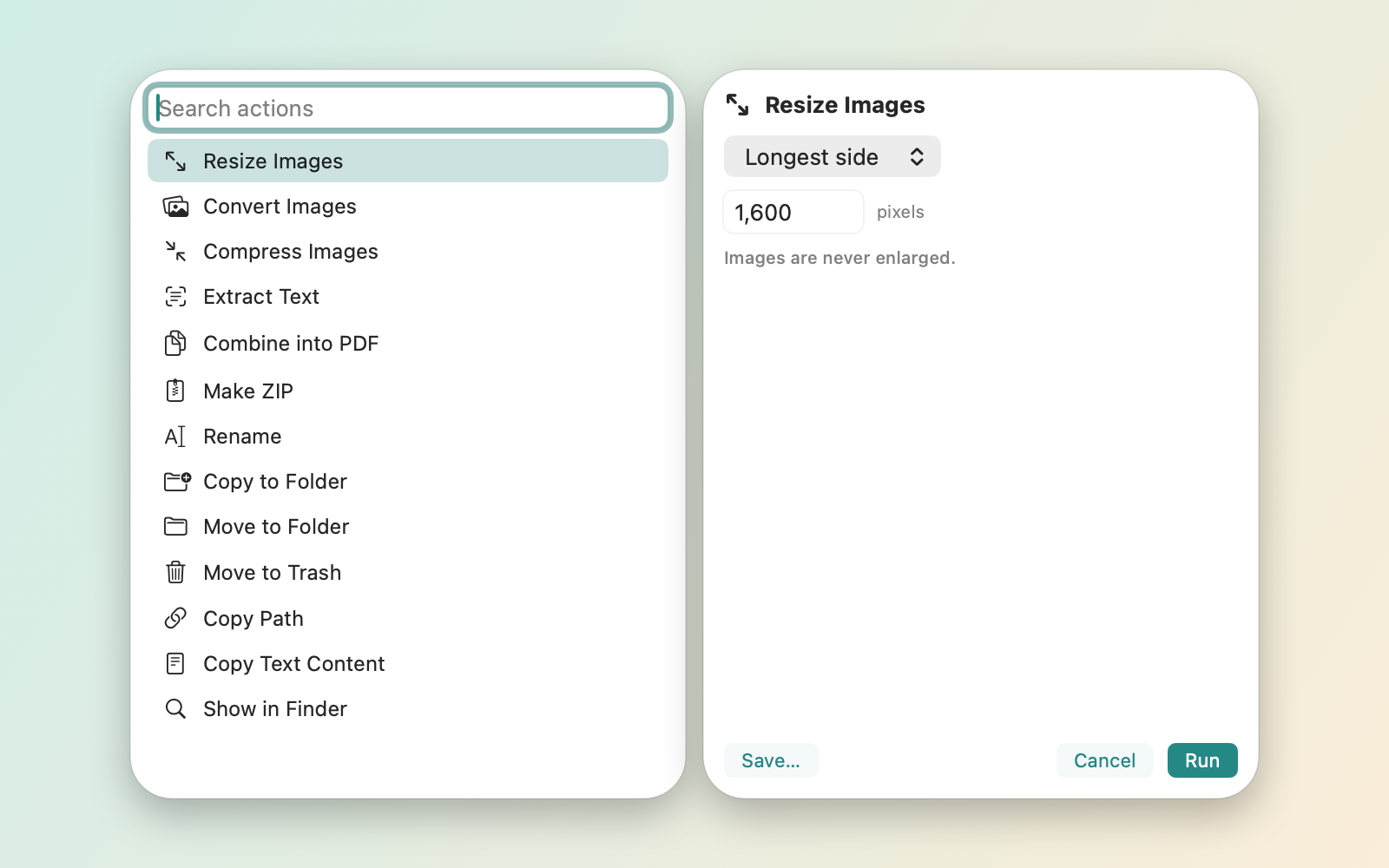
| File actions and scripts | Yes (Pro): images, text from images, PDFs, ZIP, batch rename, AppleScript, Automator, shell | Yes: Instant Actions, resize, extract text, ZIP, AppleScript, Automator, UNIX tools | Not listed |
| Cloud upload | Your own S3-compatible bucket (Pro) | Dropover Cloud share links (free, no account), iCloud Drive, Dropbox, OneDrive, Google Drive, S3, Imgur | Not listed |
| Clipboard | Clipboard shelf, made when you ask | Not listed | Clipboard history |
| iPhone and iPad | No | No | Separate Yoink app with Handoff |
Prices and features checked October 2026. Sources are listed at the bottom of the page.
Where Dropover does more
Dropover has hosted share links: Dropover Cloud uploads files and gives you a link to send, free and without an account, and it uploads to more services, including iCloud Drive, Dropbox, Google Drive and OneDrive. Dropbay uploads only to an S3-compatible bucket you own. Dropover also supports macOS 13, and buying through the Mac App Store means the purchase follows your Apple Account.
Where Yoink does more
Yoink runs on macOS 10.13 and later, so it works on much older Macs. It can appear on every drag without a gesture, keeps a clipboard history, and has an iPhone and iPad app with Handoff between devices. It is also part of Setapp, if you already subscribe.
Where Dropbay fits
Dropbay costs the least of the three, and after the trial its shelf keeps working with no waiting. Shaking, the shortcut, multiple shelves, docking to any screen edge, Quick Look, Shortcuts actions, Control Center controls, a widget and Spotlight are all in the free part. Pro adds actions, scripts, watched folders and bucket uploads for $5.99 once, on up to 3 Macs. It is sold directly, not on the Mac App Store, and does not ask for Accessibility permission.
Sources
- Dropover: dropoverapp.com, Dropover FAQ, Mac App Store listing
- Yoink: eternalstorms.at/yoink/mac